












Nobody waits around for a slow website anymore. You click, it stalls for a beat, and you are already gone.
That tiny pause decides whether a visitor stays or bounces, and on WordPress it sneaks up on people constantly. Google noticed this years ago, which is why speed now sits right at the heart of how sites get judged.
That is why plenty of owners bring in a Web Development Agency Seattle to sort things out when scores nosedive.
Still, the fixes are learnable. Once you see how the pieces connect, faster pages stop feeling like dark magic and start feeling like a plain checklist you can work through.
What Is WordPress Core Web Vitals Optimization?
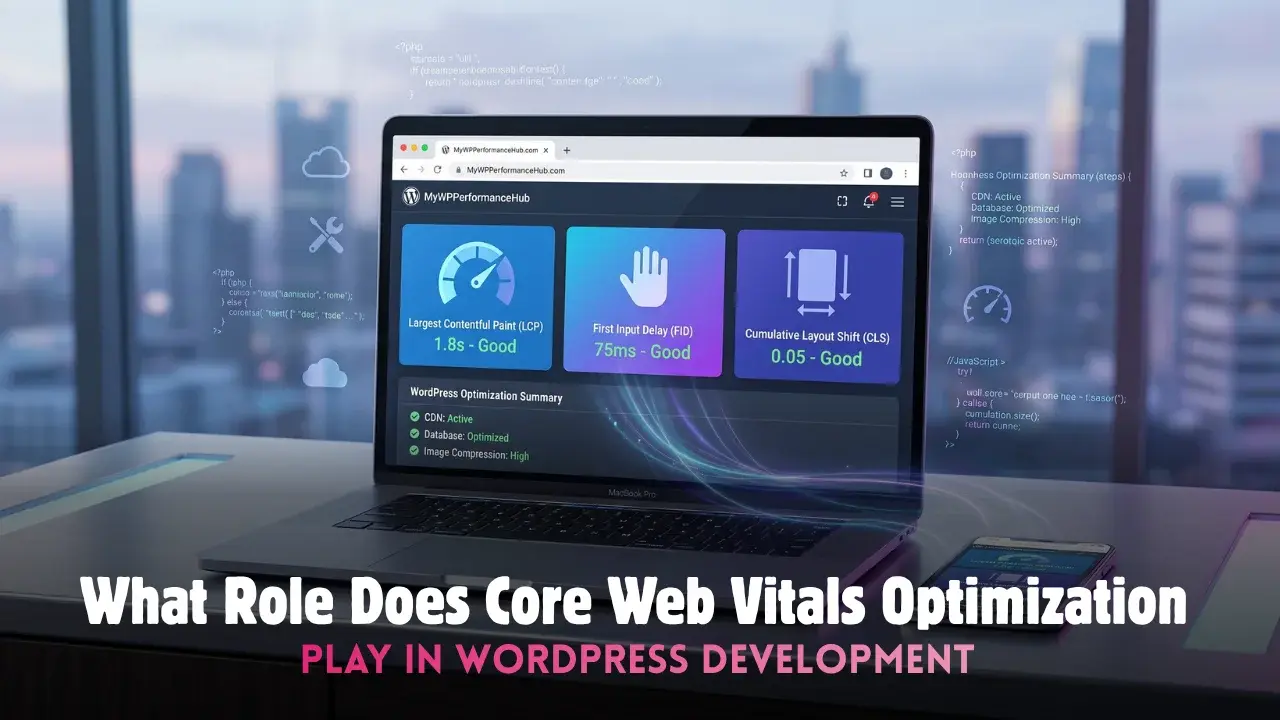
In plain English, WordPress Core Web Vitals optimization means tuning the three scores Google uses to measure real experience. It is less about theory and far more about how your site actually feels under a real thumb.
These three add up to your core website vitals:
- Loading, or how fast your main content shows up
- Interactivity, or how quickly the page answers a tap
- Stability, or whether things jump around as they load
Get all three right and your pages feel instant. Miss one and people sense it, even when they cannot quite name what went wrong. Think of it as a quiet health check your visitors run without ever meaning to.
Why Core Web Vitals Optimization Matters Most
Strong Core Web Vitals optimization keeps folks from rage-quitting your homepage. Slow sites lose sales, full stop. Every extra second of load time quietly nibbles away at trust, and trust is what pays the bills.
It goes deeper than raw speed, though:
- Google leans hard on these numbers when it ranks you
- They pour straight into Google page experience signals
- Faster sites simply convert better, on phones especially
So this is not busywork or vanity polishing. It is the gap between a page that earns its keep and one that just sits there gathering dust. On mobile, where patience runs thin, that gap only grows wider.
Where Most WordPress Sites Slip Up
Most slow WordPress sites are not really broken. They are just carrying too much. A pile of plugins, a bulky theme, and a handful of oversized images, all elbowing each other during load.
The sneaky part is that none of it looks wrong at a glance. The dashboard runs fine and the design looks sharp, yet a visitor on a phone quietly suffers through it. Common culprits show up again and again:
- A slider nobody ever scrolls through
- Fonts pulled in from three different places
- Analytics and chat scripts stacking up unchecked
Spot these early and half the battle is already won. Ignore them and no amount of hosting horsepower will bail you out later.
Where Responsive Web Development Fits In
Here is where Responsive Web Development quietly earns its keep. A site that reshapes cleanly on every screen loads lighter and behaves better, which your scores absolutely love. Desktop-only thinking is how good sites end up feeling sluggish.
Pair Responsive Web Development with lean, tidy code and you win on both ends at once. Phones drive most traffic these days, so a layout that fights small screens is really just a layout leaking money every single day.
Every tidy tweak here counts as a quiet web vitals improvement, and those little gains add up quicker than you would ever guess.
Simple Fixes for Faster WordPress Pages
A smart WordPress Core Web Vitals optimization plan almost always begins with images. Compress them, size them properly, and lazy-load whatever sits below the fold. Bloated media is the number one reason WordPress pages crawl along. None of it is glamorous, I know, but glamour never once made a page load faster.
From there, just keep chipping away:
- Trim plugins you no longer open or need
- Cache hard so repeat visits load in a blink
- Swap heavy page builders for something cleaner
Real Core Web Vitals optimization lives in these small, boring details nobody brags about. Solid WordPress Core Web Vitals optimization also means fewer render-blocking scripts and lighter fonts doing less damage.
Do the grunt work and each fix stacks into a bigger web vitals improvement over time. Watch your core website vitals climb week by week, and your Google page experience score will happily tag along behind them.
How to Measure Your Vitals
You cannot fix what you refuse to measure. Start with a free tool like PageSpeed Insights, then run your busiest pages, not just the tidy homepage everyone remembers to check.
Test on mobile first, since that is exactly where the trouble likes to hide. Retest after every change too, so you actually know what moved the needle and what did nothing.
Keep it simple with a short routine:
- Compare lab results against real visitor data
- Trust field numbers over spotless lab tests
- Retest monthly to catch slow, sneaky creep
Numbers turn a vague worry into a clear to-do list. Once you can see the problem sitting in front of you, fixing it feels far less scary than you imagined.
Frequently Asked Questions
Quick answers to what WordPress owners ask most.
What is a good Core Web Vitals score?
Aim for green on all three. Loosely, main content under 2.5 seconds and barely any layout shift.
Do plugins really slow WordPress down?
Some do, badly. Audit them often and drop anything you are not actively using.
Is my theme hurting my scores?
It can be. Heavy themes add weight, so pick a lean, well-coded one.
How often should I check my vitals?
Monthly suits most sites. Also check right after any big change or update.
Can I fix this without a developer?
Often, yes. Caching and image tools handle plenty with no code at all.